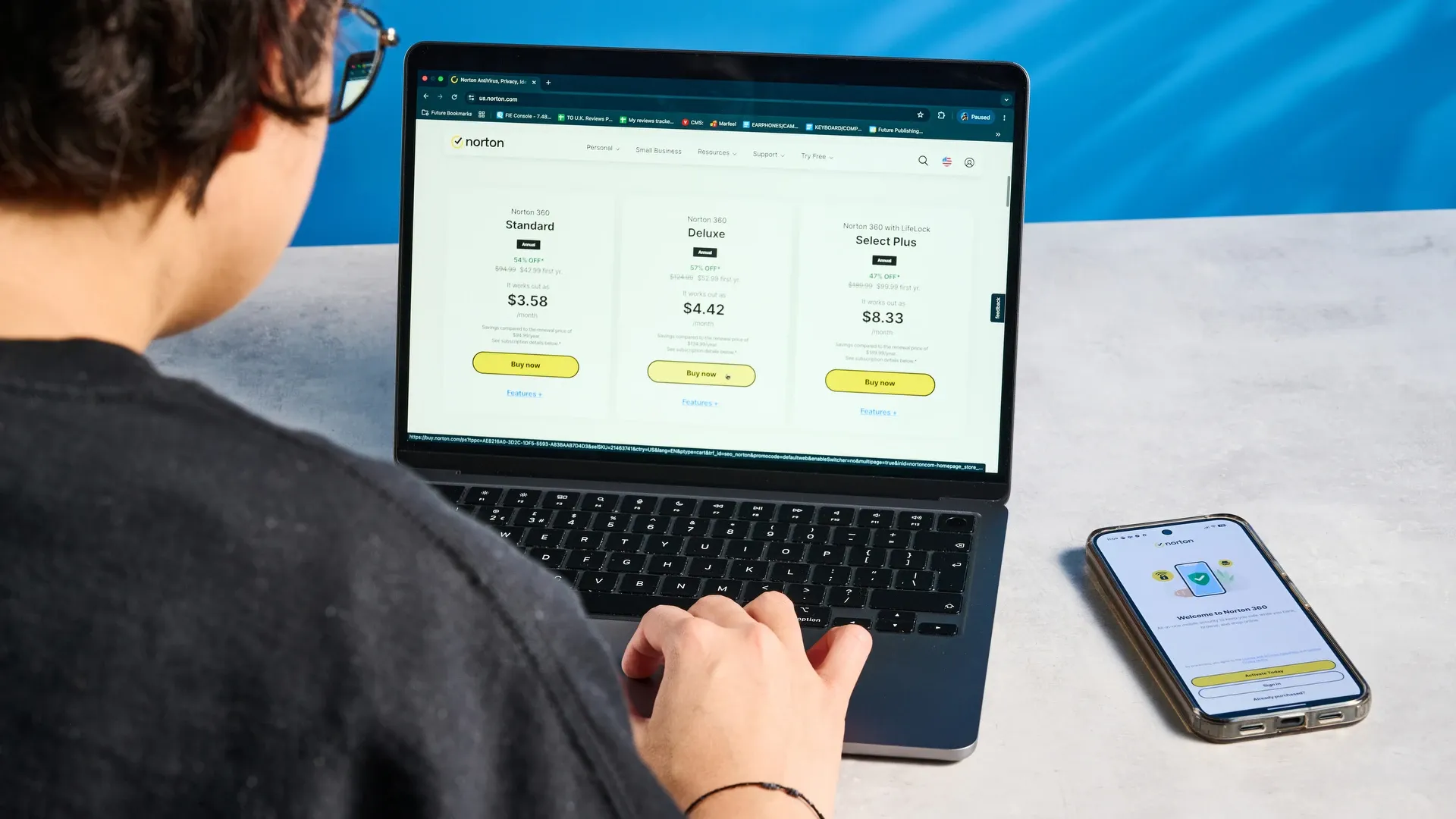
Selecting the right antivirus software in 2026 is critical to protecting your digital identity, financial credentials, and personal devices. Cyber threats have evolved far beyond basic computer viruses; modern internet users face sophisticated phishing networks, zero-day exploits, AI-generated email scams, and automated ransomware.
This comprehensive buying guide walks you through essential evaluation criteria, independent lab benchmarks, pricing considerations, and OS-specific protection strategies so you can select the perfect security suite for your household or business.
1. Why Traditional Antivirus Protection Is No Longer Enough
For decades, traditional antivirus software relied almost entirely on static signature scanning. When a new virus was discovered, security companies created a unique mathematical hash (a signature) and distributed it to user devices. The antivirus scanner simply checked local files against this database of known signatures.
In 2026, this approach is fundamentally outdated for several key reasons:
- Massive Malware Volume: Cybercriminals deploy over 500,000 unique malware samples every single day. Creating manual signatures for every sample is mathematically impossible.
- Polymorphic & Metamorphic Code: Modern malicious software mutates its underlying code structure automatically during execution, changing its digital signature while preserving its destructive capability.
- Fileless Attacks: Dangerous scripts now execute directly inside system memory (RAM) or abuse legitimate operating system tools like Windows PowerShell, leaving zero files on the hard drive for traditional scanners to examine.
- AI-Driven Cyber Crime: Threat actors utilize automated machine learning tools to craft personalized phishing attacks and probe network ports for unpatched vulnerabilities.
To stay protected today, you require a modern security suite that combines behavioral threat monitoring, cloud threat telemetry, anti-ransomware vaults, and web safety tools.
2. The 6 Core Evaluation Criteria for Security Suites
When evaluating antivirus software, ignore marketing buzzwords and focus on these six proven performance metrics:
Real-Time Protection & Detection Rates
Real-time protection acts as your device's continuous shield. The security engine checks every file download, web connection, email attachment, and active background process in real time. Demand an antivirus engine with a verified detection rate of 99.5% or higher in independent laboratory benchmarks.
System Performance & Resource Footprint
An effective security suite must operate silently without degrading your computer's speed. High-quality antivirus tools utilize intelligent background scheduling and cloud-assisted scanning, ensuring minimal impact on CPU utilization, system RAM, boot times, and gaming frame rates.
Dedicated Ransomware Shields
Ransomware is the single most destructive malware threat facing home users and businesses. Look for security software featuring dedicated folder protection (data vaults) that prevents unauthorized applications from modifying or encrypting your personal documents, photos, and financial archives.
Web Phishing & Financial Fraud Prevention
The vast majority of cyber infections begin with a deceptive email or a spoofed website. Superior security suites inspect web links in real time, block malicious domain connections, disable keyloggers, and secure online banking sessions against financial data skimming.
Multi-Device Management & Licensing
Modern households rarely rely on a single PC. Ensure your chosen subscription covers all primary operating systems, including Windows 11, macOS, Android, and iOS, allowing you to manage all family devices under a unified dashboard.
Integrated Privacy Extras
Leading antivirus providers package essential privacy utilities into their suites. Features such as unlimited Virtual Private Networks (VPNs), encrypted password managers, dark web breach monitoring, and webcam safeguards provide significant added value over standalone tools. For a detailed breakdown of free versus paid feature sets, consult our guide on Free vs Paid Antivirus Software.
3. Comparing Security Software Tiers
Security vendors typically offer three distinct product tiers. Understanding what each level includes helps prevent paying for unnecessary bloatware or missing crucial protections:
| Feature & Capability | Essential Security | Advanced Suite | Ultimate / Identity Suite |
|---|---|---|---|
| Typical Target Price | $19.99 - $29.99/year | $39.99 - $59.99/year | $89.99 - $149.99/year |
| Real-Time Scanning Engine | Included | Included | Included |
| Anti-Ransomware Vault | Basic Shield | Advanced Shield | Advanced Shield + Rollback |
| Firewall & Wi-Fi Protection | OS Default / Basic | Advanced Dual-Way | Advanced Dual-Way + Network Guard |
| Secure VPN Service | None or 200MB/day cap | Unlimited Bandwidth | Unlimited Multi-Device VPN |
| Password Manager | Basic Vault | Unlimited Vault | Unlimited Vault + Security Audit |
| Identity Theft Insurance | Excluded | Excluded | Included ($1M Policy + SSN Audit) |
| Supported Device Allowance | 1 Device (Windows) | 5 Devices (Cross-Platform) | 10+ Devices (Cross-Platform) |
4. How to Read Independent Laboratory Benchmark Scores
Never rely solely on vendor marketing claims. Instead, cross-reference security performance against reports published by independent, non-profit cybersecurity testing laboratories:
AV-TEST Institute
AV-TEST evaluates products across three categories, awarding up to 6 points in each (maximum 18 points total):
- Protection: Measures detection of zero-day attacks and widespread malware.
- Performance: Measures speed impact during browsing, downloading, and application installation.
- Usability: Measures false-positive rates (mistaking safe software for malware).
AV-Comparatives
AV-Comparatives conducts rigorous tests including the Real-World Protection Test and the Malware Protection Test. Look for products receiving Advanced+ certification, which indicates top-tier threat interception with minimal false alarms.
SE Labs
SE Labs tests products against active, real-world attack chains. Their Protection Accuracy and Total Accuracy Ratings evaluate how effectively software blocks malicious activity while allowing legitimate applications to run undisturbed.
5. OS-Specific Protection Requirements
Different operating systems encounter distinct threat profiles:
Windows 11 Protection
While Microsoft Defender provides decent baseline protection, independent lab tests reveal that third-party antivirus engines consistently outperform Defender in blocking zero-day exploits, phishing links, and targeted ransomware. Furthermore, specialized suites include dedicated anti-ransomware folder locking and integrated VPNs that Defender lacks.
macOS Protection
The persistent myth that Apple computers cannot get viruses remains dangerous. While macOS incorporates strong built-in defenses like Gatekeeper and XProtect, Mac-specific malware attacks (such as Silver Sparrow, XCSSET, and targeted ad-injectors) have increased rapidly. Mac security software ensures your system remains clean and prevents your Mac from acting as a carrier for Windows malware.
Android & iOS Protection
Android devices require active malware scanning due to open APK sideloading capabilities and rogue Play Store submissions. iOS devices, while sandboxed against traditional file viruses, are highly vulnerable to mobile web phishing, malicious Wi-Fi networks, and SMS phishing scams (smishing).
6. Buying Pitfalls: Renewal Spikes and Subscription Policies
To ensure you get the best value from your antivirus investment, watch out for these common subscription practices:
- First-Year Promotional Pricing: Vendors frequently offer first-year discounts of 50% to 70%. Be aware that annual subscriptions will automatically renew at the standard retail price after the initial 12 months.
- Automatic Billing Configurations: Most providers require a credit card or PayPal account during signup and enable auto-renewal by default. You can usually turn off automatic renewal inside your account settings immediately after purchase while keeping full access for the paid period.
- Money-Back Guarantee Windows: Industry-standard refund periods range from 30 days to 60 days. Premium brands like Norton offer a 60-day money-back guarantee, providing ample time to test system compatibility risk-free.
- Bloatware Installers: During setup, uncheck optional toolbars or bundled browser extensions that you do not explicitly need.
7. Recommended Antivirus Suites Evaluated
Based on performance, lab test consistency, feature depth, and value, these top-tier suites represent the best security investments for 2026:
- Norton 360: Delivers market-leading real-time protection, 100% Virus Protection Promise, integrated password manager, and unlimited VPN. Read our comprehensive Norton Antivirus Review for full performance analysis.
- Bitdefender Total Security: Known for near-zero system impact, exceptional AV-TEST scores, and automated Ransomware Remediation.
- TotalAV Antivirus Pro: Exceptional user interface simplicity paired with powerful system tune-up tools and anti-phishing defense.
- Avast Premium Security: Robust multi-device protection with advanced Wi-Fi security auditing and ransomware shields.
- McAfee Total Protection: Excellent multi-device coverage for large families, including identity breach monitoring and dark web alerts.
8. Frequently Asked Questions (FAQ)
Will installing a third-party antivirus slow down my computer?
No. Modern antivirus suites are optimized for modern multi-core processors and solid-state drives (SSDs). Cloud-assisted threat scanning handles resource-intensive calculations remotely, ensuring your local device remains fast and responsive.
Can I run two antivirus programs at the same time for extra security?
No. Running two real-time antivirus scanners simultaneously causes software conflicts, false positives, system crashes, and severe performance degradation. Always uninstall existing security tools before installing a new antivirus suite.
Is free antivirus software enough for online shopping and mobile banking?
Free antivirus software offers basic malware scanning, but typically lacks dedicated anti-phishing shields, encrypted banking browsers, identity breach alerts, and ransomware vaults. For online financial transactions, a paid security suite is strongly recommended.
How often does antivirus software update its threat protection?
Leading security engines download micro-definition updates automatically multiple times per day. Additionally, cloud telemetry engines provide real-time updates within seconds of a new threat being identified anywhere in the world.
What should I do if malware bypasses my antivirus software?
Disconnect your computer from the internet immediately to prevent data exfiltration. Restart your device in Safe Mode or boot using an offline USB Antivirus Rescue Tool to isolate and remove the infection.
How many devices can I protect under a single antivirus account?
Most mid-tier and premium antivirus subscriptions cover between 5 and 10 devices under a single license, allowing you to secure Windows PCs, Macs, Android phones, and iPhones simultaneously.
9. Final Conclusion & Actionable Steps
Securing your devices in 2026 does not require technical expertise, but it does require selecting a well-rounded, lab-tested security suite. Focus on providers that deliver consistent real-time detection, robust anti-ransomware vaults, minimal system footprint, and transparent renewal terms.
Review our top recommended providers, select a plan that fits your device count, and run a complete initial system scan after installation to ensure your digital life remains fully protected.
Explore Top Antivirus Plans