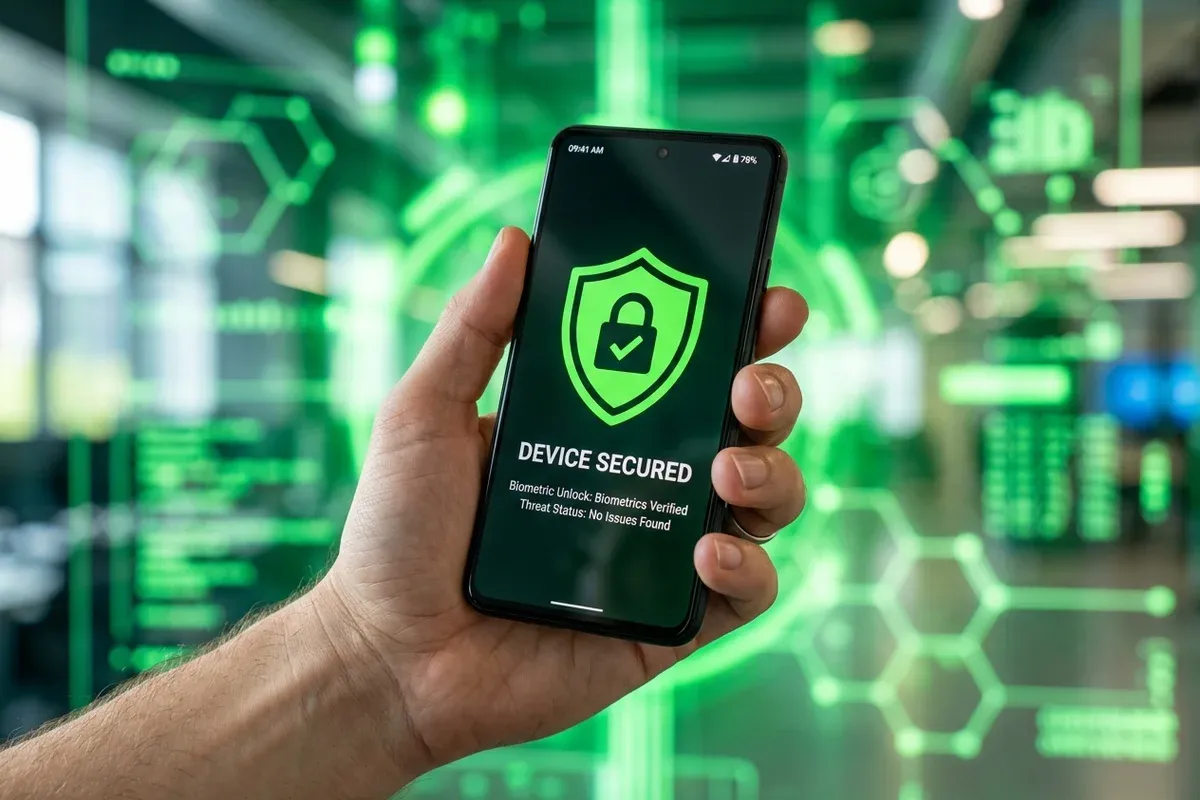
Smartphones have become the primary digital portal for modern daily life. We use our mobile devices to manage bank accounts, store personal photos, conduct confidential work communications, authorize two-factor authentication logins, and navigate daily travel. Because smartphones contain such concentrated personal and financial data, they have become prime targets for cybercriminals.
Mobile security threats in 2026 extend far beyond simple viruses. Smartphone users face sophisticated SMS phishing scams, malicious mobile applications, rogue Wi-Fi interception networks, and intrusive spyware designed to track location data and record keystrokes.
This comprehensive mobile security guide examines the distinct threat landscapes of Android and iOS, debunks common mobile safety myths, outlines seven essential security best practices, and compares the top-rated mobile antivirus applications available today.
1. Debunking Mobile Security Myths
Before addressing specific threats, it is important to address two widespread mobile security misconceptions:
- Myth 1: "iPhones cannot get viruses or malware."
- Reality: While Apple's iOS ecosystem features strong app sandboxing and strict App Store vetting, iPhones remain vulnerable to zero-click spyware exploits (such as Pegasus), mobile web phishing links, malicious Wi-Fi networks, and fraudulent configuration profiles.
- Myth 2: "Google Play Store apps are always 100% safe."
- Reality: Although Google Play Protect scans millions of Android apps daily, sophisticated malicious developers frequently bypass store vetting by uploading clean applications that download malicious code payloads after installation.
Both Android and iOS users require proactive mobile security practices to safeguard their personal privacy.
2. The Top Mobile Cyber Threats Operating in 2026
Modern mobile threats are designed specifically to exploit mobile user habits and touch interfaces:
Smishing & SMS Phishing Scams
Smishing (SMS phishing) is currently the fastest-growing mobile cyber crime. Attackers send deceptive text messages posing as delivery services, banks, tax agencies, or streaming providers. These messages contain links to fake login pages engineered to steal your online banking credentials, social security numbers, or credit card details.
Malicious Apps & Rogue Sideloading
On Android devices, downloading APK files from unverified third-party websites carries a high risk of installing trojans, banking malware, or keyloggers. Even within official app stores, malicious utilities disguised as QR scanners, flashlights, or photo filters can secretly harvest contacts, read SMS messages, and display intrusive background ads.
Unsecured Public Wi-Fi Interception
Connecting to open, non-password-protected Wi-Fi networks at airports, coffee shops, or hotels exposes your data to Man-in-the-Middle (MitM) attacks. Hackers operating on the same public network can intercept unencrypted web traffic, capture session cookies, and steal passwords.
Mobile Spyware & Stalkerware
Stalkerware consists of hidden background apps secretly installed on a victim's phone to monitor GPS location, read private chat messages, view photos, and record phone calls without consent.
SIM Swapping Attacks
In a SIM swap attack, a fraudster tricks your mobile carrier into porting your phone number to a SIM card in their possession. Once successful, the attacker receives all your incoming SMS messages, enabling them to bypass SMS-based two-factor authentication (2FA) and breach your financial accounts.
3. Comparing Security Architectures: Android vs iOS
Android and iOS utilize different security architectures, resulting in distinct protection profiles:
| Security Parameter | Android Operating System | Apple iOS Operating System |
|---|---|---|
| App Ecosystem Model | Open (App Store + Sideloading) | Closed / Walled Garden |
| App Execution Sandboxing | Standard Sandboxing | Strict Application Sandboxing |
| Malware File Scanning | Full File & APK Scanning Supported | File System Scanning Restricted by iOS |
| Primary Threat Vectors | Malicious APKs, Banking Trojans, Phishing | Web Phishing, Smishing, Malicious Profiles |
| Security Patch Delivery | Dependent on Phone Manufacturer / Carrier | Direct from Apple to All Supported Devices |
| Built-in OS Protection | Google Play Protect | Gatekeeper, XProtect & Lockdown Mode |
4. The 7-Step Mobile Protection Blueprint
Following these seven essential mobile security practices will dramatically reduce your vulnerability to mobile cyber threats:
Step 1: Deploy a Dedicated Mobile Security App
Install a reputable mobile antivirus application (such as Norton 360 Mobile or Bitdefender Mobile Security). On Android, mobile antivirus provides real-time app scanning, malicious link blocking, and Wi-Fi security audits. On iOS, mobile security apps block dangerous web links, inspect network security, and alert you to compromised passwords.
Step 2: Use Hardware Biometrics & Strong Passcodes
Replace simple 4-digit PINs with complex 6-digit PINs or alphanumeric passcodes. Enable biometric authentication (Face ID or Fingerprint recognition) for device unlocking and app access. Ensure your device is set to lock automatically after 30 seconds of inactivity.
Step 3: Audit App Permissions Regularly
Review your smartphone's privacy settings monthly. Limit app permissions to only what is necessary for functionality. Question why a basic calculator app requires access to your contacts, camera, or precise GPS location. Revoke permissions for any app you do not use regularly.
Step 4: Use an Encrypted VPN on Public Networks
Whenever you connect to public Wi-Fi networks, enable a Virtual Private Network (VPN). A VPN encrypts all internet traffic leaving your mobile device, ensuring hackers on the same network cannot inspect your data. For a complete guide on how security suites package VPN utilities, read our Antivirus Buying Guide.
Step 5: Replace SMS 2FA with Authenticator Apps
SMS-based two-factor authentication is vulnerable to SIM swapping. Upgrade your account security by switching from SMS codes to hardware-backed authenticator apps (such as Google Authenticator, Microsoft Authenticator, or 2FAS) or physical security keys (like YubiKey).
Step 6: Disable Automatic Wi-Fi & Bluetooth Connections
Turn off settings that allow your phone to automatically connect to open Wi-Fi networks or nearby Bluetooth devices. Hackers frequently set up malicious Wi-Fi hotspots named after popular chains (e.g., "Free_Starbucks_WiFi") to trick devices into connecting automatically.
Step 7: Enable Automatic OS and App Updates
System updates contain critical security patches that fix newly discovered operating system vulnerabilities. Enable automatic system updates on your iPhone or Android phone, and keep all installed apps updated to their latest versions.
5. Top Mobile Security Apps Evaluated
These top mobile security apps provide the strongest threat defense for mobile devices:
- Norton 360 Mobile Security: Delivers comprehensive protection including App Advisor for Play Store downloads, Web Protection against phishing, Wi-Fi Security alerts, and an integrated VPN.
- Bitdefender Mobile Security: Known for its ultra-lightweight performance, minimal battery consumption, robust anti-phishing web protection, and built-in Wear OS smartwatch integration.
- Avast Mobile Security: Features a rich free tier alongside paid features such as App Lock, Photo Vault, Web Shield, and Wi-Fi speed and security testing.
- McAfee Security Mobile: Offers multi-device family protection, safe web browsing, dark web identity monitoring, and System Scan capabilities.
6. What to Do If Your Smartphone Is Compromised
If your phone is behaving strangely (overheating rapidly, draining battery quickly, displaying unexpected pop-ups, or sending unauthorized text messages) take these emergency recovery steps immediately:
- Enable Airplane Mode: Turn on Airplane Mode to immediately disconnect all Wi-Fi and cellular data connections. This halts remote data exfiltration and prevents ransomware or spyware from communicating with hacker servers.
- Review Installed Apps: Navigate to your device's App Settings and review all installed applications. Delete any recently downloaded apps that you do not recognize or that lack official developer details.
- Revoke Device Admin Privileges: On Android, check
Settings -> Security -> Device Admin Appsand remove administrator rights for any suspicious utility app. - Change Account Passwords from a Secondary Device: Using a clean computer, immediately update passwords for your primary email, banking accounts, and social media profiles. Revoke active sessions for logged-in devices.
- Perform a Factory Data Reset: If your device remains unresponsive or continues displaying malware symptoms, back up your photos and essential contacts manually, then perform a complete Factory Data Reset to restore the phone to clean factory settings.
7. Frequently Asked Questions (FAQ)
Do iPhones need antivirus software installed?
While iOS prevents third-party apps from scanning the internal file system due to sandboxing, mobile security apps for iPhone provide critical protection against web phishing, malicious Wi-Fi networks, SMS scams, and data breaches. Installing a mobile security app is strongly recommended.
How can I tell if my phone has malware or spyware installed?
Common indicators of mobile malware include rapid battery drain, unusual device overheating while idle, unexpected spikes in mobile data usage, pop-up ads appearing outside of web browsers, and unfamiliar apps appearing on your home screen.
Is it safe to conduct online banking on public Wi-Fi?
It is unsafe to conduct online banking or enter credit card information on open public Wi-Fi unless you are using an encrypted VPN connection or switching to your mobile cellular data connection.
What is SIM swapping and how can I prevent it?
SIM swapping occurs when an attacker tricks your mobile carrier into transferring your phone number to their SIM card. Prevent SIM swapping by adding a security PIN or passcode to your mobile carrier account and switching from SMS two-factor authentication to an authenticator app.
Do mobile antivirus apps drain phone battery quickly?
No. Top-rated mobile security apps (such as Bitdefender Mobile and Norton 360 Mobile) are optimized for modern mobile processors, consuming less than 1% to 2% of total daily battery power.
Are free mobile security apps reliable?
Reputable free mobile security apps from established vendors provide decent basic protection. However, premium paid mobile security subscriptions include essential features such as unlimited VPN bandwidth, real-time phishing blocking, and automated identity breach alerts.
8. Summary & Actionable Mobile Security Checklist
Smartphones are central to modern life, making mobile security an essential priority. Protect your mobile privacy by keeping your operating system updated, deploying a trusted mobile security app, avoiding unverified app downloads, and securing public network connections with a VPN.
Review our top-rated mobile security applications, install protection on your primary device today, and browse with complete confidence.
Get Mobile Antivirus Protection